Sora 2: Now Available in Pencil
.png)
We’ve just added Sora 2, OpenAI’s latest text-to-video model, directly into Pencil. You can now generate short, realistic videos — complete with synchronized audio — all without leaving your creative workflow.
Just type a line or upload a reference image, choose your length, and watch your idea turn into motion. Whether you’re crafting a campaign hook, concept cut, or social edit, Sora 2 makes it fast, visual, and human.
Two Models, One Workflow
You’ll find two new options available today: Sora 2 and Sora 2 Pro.
- Sora 2 (720p) gives you a quick, good-looking cut for social hooks, concept boards, and internal reviews.
- Sora 2 Pro (1080p) takes the same simple flow and turns up the quality — smoother motion, sharper visuals, and extra aspect ratios for hero placements.
Both live inside the Video Generation tool and the Video Generation Agent, so you can switch between speed and polish with one click.
From Prompt to Playback
We’ve made video generation feel like every other creative task in Pencil — intuitive, fast, and built for iteration.
Start from text (“a slow pan over a mountain cabin at sunrise”) or use image-to-video to anchor your brand’s look. Then pick your layout and duration:
- Sora 2 supports 1280×720 (16:9 landscape) and 720×1280 (9:16 portrait)
- Sora 2 Pro adds 1024×1792 (extra-tall portrait) and 1792×1024 (extra-wide landscape)
Your video arrives as a fully rendered MP4 with synced audio — ready to preview, share, or edit directly in Pencil.
No switching tools. No placeholders. Just a real cut to react to.
Smarter Credits, Predictable Costs
We’ve kept pricing simple:
- Sora 2: 1 credit per second
- Sora 2 Pro: 3 credits per second
That’s based on your final clip length (4, 8, or 12 seconds). You’ll always know exactly what each generation costs before you hit “Generate.”
How to Enable Sora 2
Admins can toggle OpenAI Sora 2 and Sora 2 Pro under AI Governance → Models. Once enabled, both models will appear automatically in Video Generation and the Video Generation Agent for everyone in your workspace.
Then it’s simple:
- Open Video Generation.
- Choose Sora 2 (for speed) or Sora 2 Pro (for polish).
- Write a short description or upload a reference image.
- Pick your layout and duration (4/8/12s).
- Leave audio on.
- Click Generate.
Your clip returns in seconds — ready to review, share, and ship.
Tips for Better Results
We’ve found that short, focused prompts work best. Combine scene + camera + mood, and add cues like “steady camera” or “single shot” for smoother motion.
If continuity matters, start with image-to-video and use a reference image to keep characters, style, or product detail consistent across shots.
And most importantly: don’t overthink it. Start generating and respond to what you see — that’s how great creative work starts.
What This Means for Creators
Sora 2 brings us closer to a world where AI video generation feels as natural as writing a prompt or dropping an image. It’s fast enough for ideation and polished enough for campaigns — all in one flow.
For creative teams, it means no more jumping between tools or waiting on renders. For brands, it means a faster path from concept to production.
This is how video gets made now — directly inside Pencil.

Articles
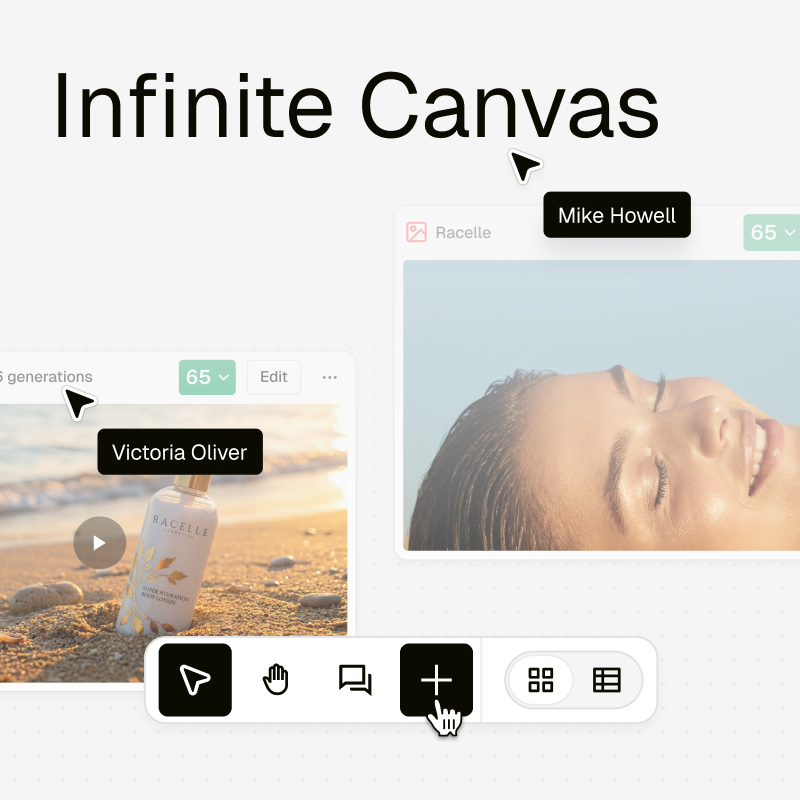
Infinite Canvas: One Surface for Everything Your Team Creates
Infinite Canvas brings everything your team creates into one visual workspace. Organise assets, collaborate in real time, and keep every project aligned on a single surface.

Print-Ready Creatives, Built Where Your Digital Ones Already Live
Print Mode brings print production into the same workflow as your digital creatives. Design, adapt, and export print-ready assets without leaving Pencil.

What Every Global Marketing Team Gets Wrong About Cultural and Religious Moments
AI can scale output. It can’t create cultural understanding. Here’s where most global campaigns go wrong.
.png)
Turn a Brief, Into a Starting Point
Conversation Starters are designed to help you get structured prompts that help digest the brief, clarify the goal, and decide what to do next.
