Creative Power-Up: Introducing the Interactive Display Ad Editor
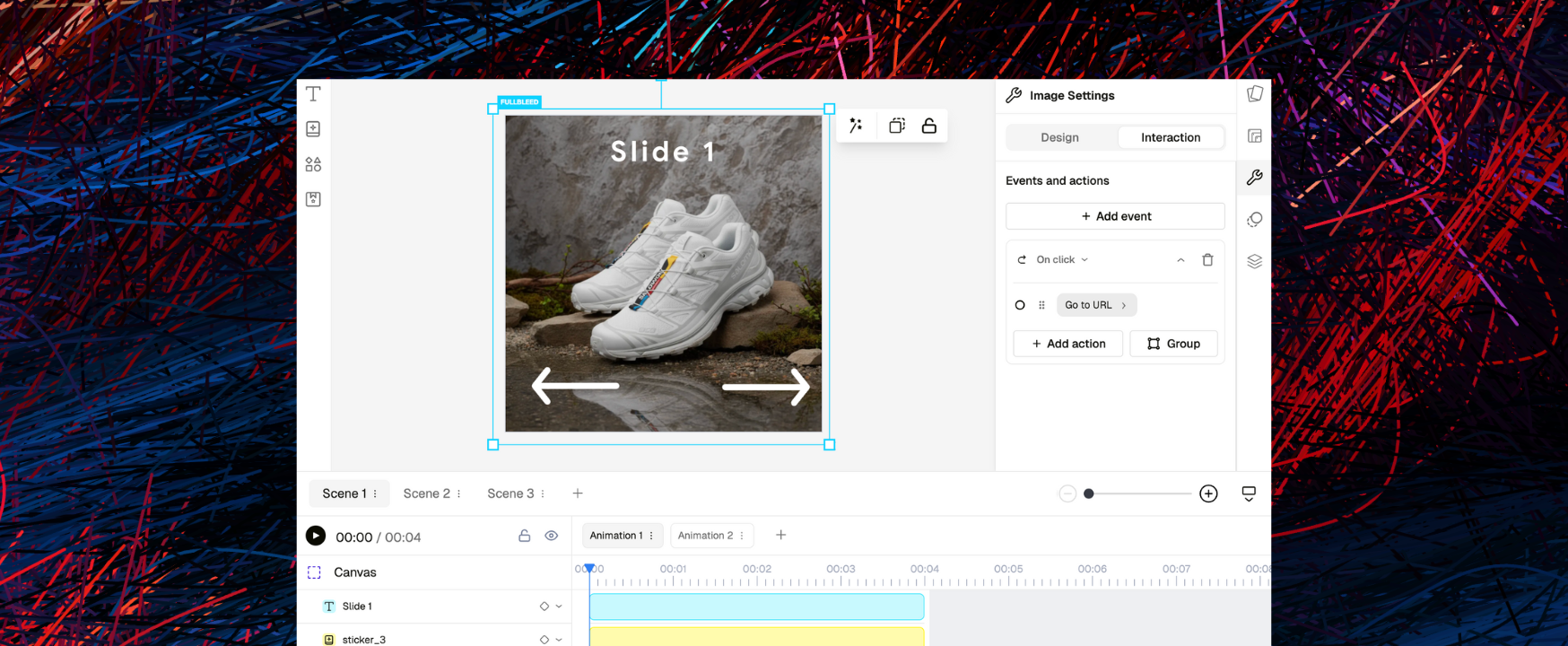
The days of boring banner ads are now over. We’re thrilled to introduce the Display Ad Editor, now live in Beta, which offers you a new creative space for building interactive ads that actually get noticed and drive sales.
This is a huge step forward for Pencil, moving us past simple images and videos to power a new generation of interactive and high-performing digital ads. If you're ready to stop optimising static images and start experimenting with dynamic, adaptive creative, this new editor is for you.
The core idea: Events and Actions
How do you make an ad feel less like an interruption and more like an experience? With Events and Actions.
- In the Display Editor, an Event is a user trigger, like a click, a hover, or even just seeing the ad for the first time.
- An Action is your response to that trigger, whether it’s playing an animation or opening a URL.
You can now combine these Events and Actions to build unique ad experiences, like carousels or multi-product showcases.
https://youtu.be/CuA4_IotFog
What you can build, quickly
Scenes, not a fixed timeline
Work in Scenes that hold your layers and content. A click in Scene 1 can jump straight to Scene 3. Add smooth transitions if you want. This makes choose-your-path stories easy.
More than one destination
Set multiple click-out URLs in a single ad. Great for multi-product creatives where each item links to its own page.
Start with intent
Use Canvas settings to trigger an Action when the ad first appears. For example, play a subtle intro animation the moment the unit is in view.
Animation you control
Animate layers with presets or keyframes. Tie those animations to Actions like click or hover. Manage timing on a simple timeline so motion supports the message.
Preview while you build
The Interactive Preview lets you test every Event–Action pair before you finalise. Click, hover, and jump as a user would.
Export for delivery
When you are ready, export as HTML5 (zip) for ad networks that support click tags.
What is coming next
This initial launch is a Beta version, and it’s just the start. We are already building more features to simplify your workflow:
- File size counter to keep your ad lightweight
- Direct export to ad servers so zips are ready to upload
- Interactive components: interactive buttons, pre-built carousels
This new editor is about making the leap from automation to imagination. The Display Ad Editor empowers you to inject genuine interactivity and complexity into your campaigns, a move that is crucial in an advertising landscape that now rewards creative variety and dynamic input. By giving you control over Events and Actions, Pencil allows you to create ads that are not just faster, but smarter.
Articles
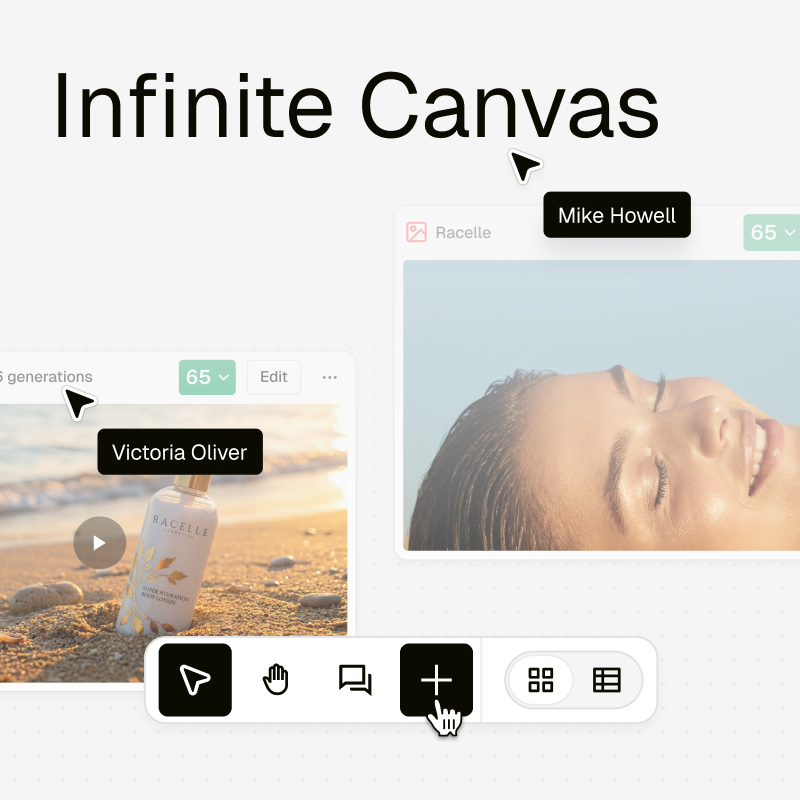
Infinite Canvas: One Surface for Everything Your Team Creates
Infinite Canvas brings everything your team creates into one visual workspace. Organise assets, collaborate in real time, and keep every project aligned on a single surface.
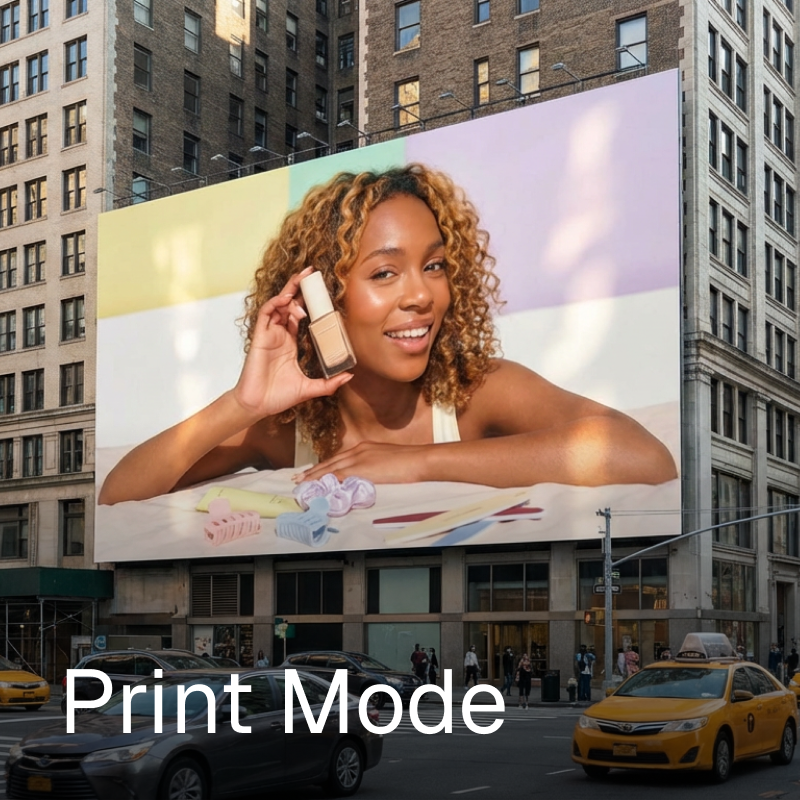
Print-Ready Creatives, Built Where Your Digital Ones Already Live
Print Mode brings print production into the same workflow as your digital creatives. Design, adapt, and export print-ready assets without leaving Pencil.

What Every Global Marketing Team Gets Wrong About Cultural and Religious Moments
AI can scale output. It can’t create cultural understanding. Here’s where most global campaigns go wrong.
.png)
Turn a Brief, Into a Starting Point
Conversation Starters are designed to help you get structured prompts that help digest the brief, clarify the goal, and decide what to do next.
